How to Set Up Clips Player on Streamable
Configure Clips Player so Streamable can play selected Twitch or Kick clips on your Ingest Offline and BRB scenes.
What Clips Player does
Clips Player lets you select Twitch or Kick clips and use them as a browser source. Using OBS on your own computer? The free Twitch and Kick clips player works there too.
Enable Clips adds the player to your Ingest Offline and BRB scenes. Clips can play while your ingest reconnects.
Why is Clips Player showing the wrong Twitch or Kick channel?
Clips Player can be attached to the first destination or account that was added to your Streamable account. This often happens after you add a friend's channel or link a second account.
To switch it, open Settings, then Account, then Linked Accounts. Unlink the account that is currently linked. Next, remove every Kick and Twitch destination that belongs to the wrong channel. Then add the channel you want as a destination again.
Only do this between streams: removing destinations changes where your next stream goes. If you cannot unlink or remove the account, or Clips Player still shows the wrong channel after you add it again, open a support ticket and say which channels are involved, so staff can look at the account.
Step 1:Connect Twitch or Kick
Connect the platform account that has the clips you want to use.
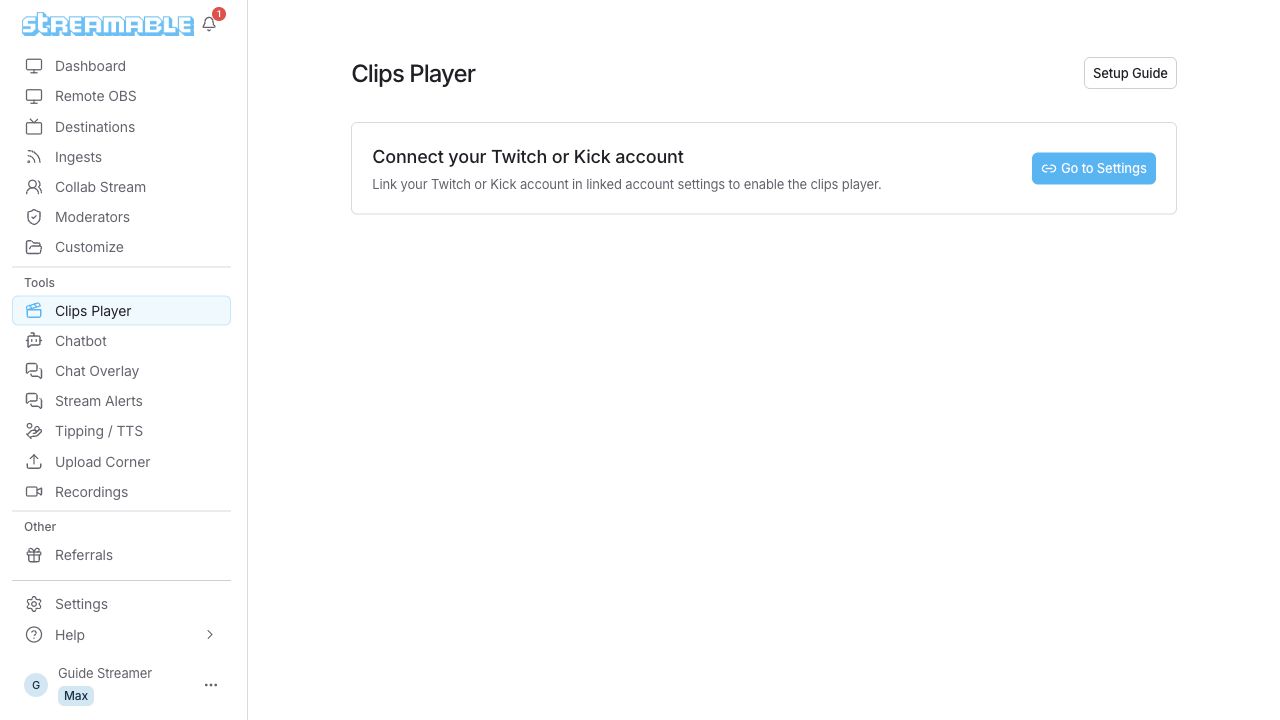
Step 2:Open Clips Player
Open Clips Player from the Streamable sidebar and wait for your clips to load.
Step 3:Select and save clips
On Twitch, filter and select clips, then select Save Clips Player. On Kick, choose Automatic or Selected clips. Automatic includes new clips from your date range. Selected clips plays only your saved playlist. Select Save Clips Player after changes.
Clip provider chooses Twitch or Kick for your OBS scenes. Switching keeps both saved selections. Date filters change browsing, not a saved Kick playlist.
Step 4:Turn on Enable Clips
Turn on Enable Clips to use clips in your Ingest Offline and BRB scenes.
Turn it off if you want those scenes to stay clip-free. The Custom Browser Source URL remains available for local OBS or custom layouts.