Collab Stream / Share Ingests Instantly
Use Collab Stream to share ingests with other streamers instantly without stopping your stream.
Collab Stream requires active account access. Sharing works while you are live. Each person chooses which ingests to share.
Step 1:Send a Collab Stream Request
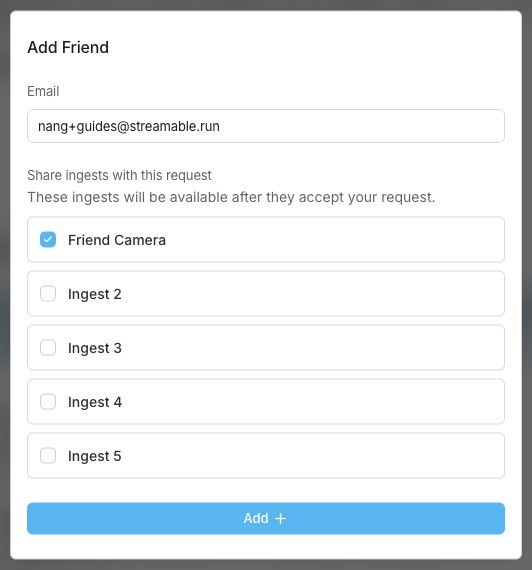
Open Collab Stream at https://streamable.run/friends. Click Add Friend and enter your friend’s Streamable email.
Step 2:Share Ingests
Select the ingests to share in the same dialog, then click Add. Your friend receives them after accepting the request.
Step 3:Have your friend accept the connection and share their ingests
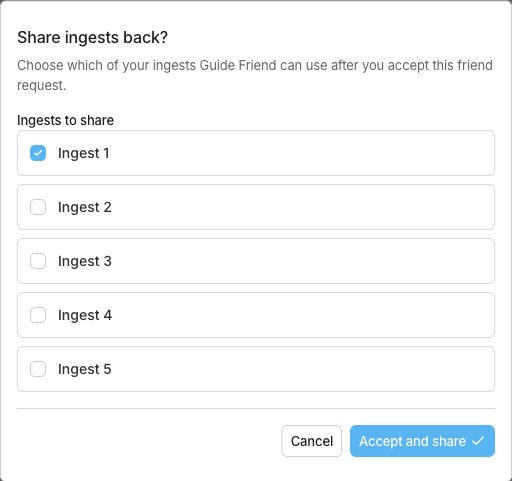
Ask your friend to open Collab Stream → Requests and accept. They can select ingests and choose Accept and share, or Accept without sharing.

Step 4:You're all set - happy streaming!
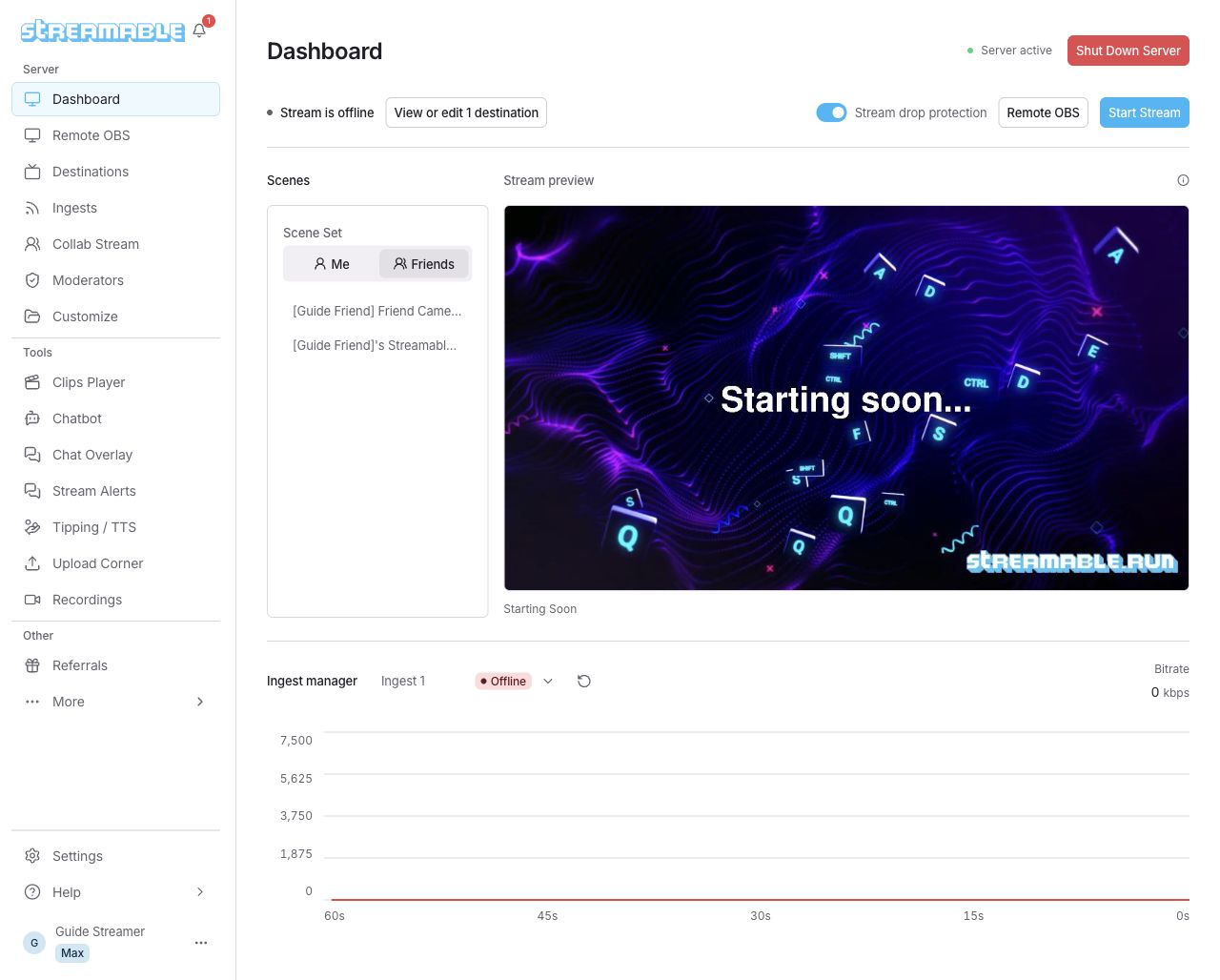
Your friend must send video to the shared ingest before the scene can show their camera. On the Dashboard, select the shared ingest under Friends scenes. To change sharing later, open the friend’s Settings, select ingests, and Save Changes.