如何将 TVU / DSLR 添加为输入源
在 TVU Command Center 中使用 SRT,将 TVU 摄像机画面接入 Streamable。
让我们来帮你!
在 Discord 上联系支持团队。
第 1 步:启动 Streamable 服务器
打开 Streamable 控制面板并启动服务器。
第 2 步:打开 TVU Command Center
打开 TVU Command Center 并选择你的 TVU 设备。
第 3 步:在 Destinations 下选择 SRT
在 TVU Command Center 中打开 Destinations,然后选择 SRT。
在 Streamable 中选择输入,然后选择 TVU → DSLR Camera。
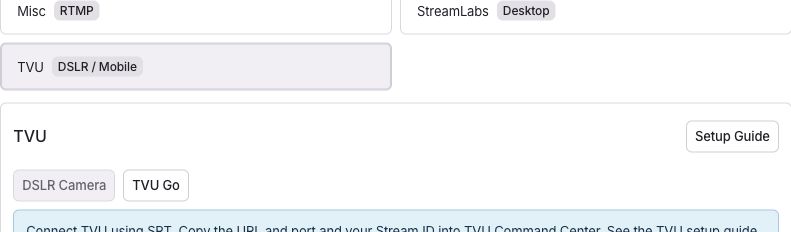
- 将 URL 和端口复制到 TVU 的 SRT 目标。
- 将流 ID(你的 Streamable 推流密钥)复制到 TVU 的 Stream ID 字段。
复制两个值后,保存目标并从 TVU 开始推流。在 Streamable Dashboard 中确认画面。 使用手机应用时,请在 TVU 卡片内选择 TVU Go。扫描或点击二维码,然后在 TVU Go 中确认 Caller 目标。