Blog
Multiple Live Streaming Destinations: Twitch, Kick, YouTube, RTMP, and SRT From One Control Panel
Stream to multiple destinations at the same time, start and stop outputs individually, and manage Twitch, Kick, YouTube, custom RTMP, and SRT from Streamable.
Written by Manav Bokinala
Every destination. Your call.
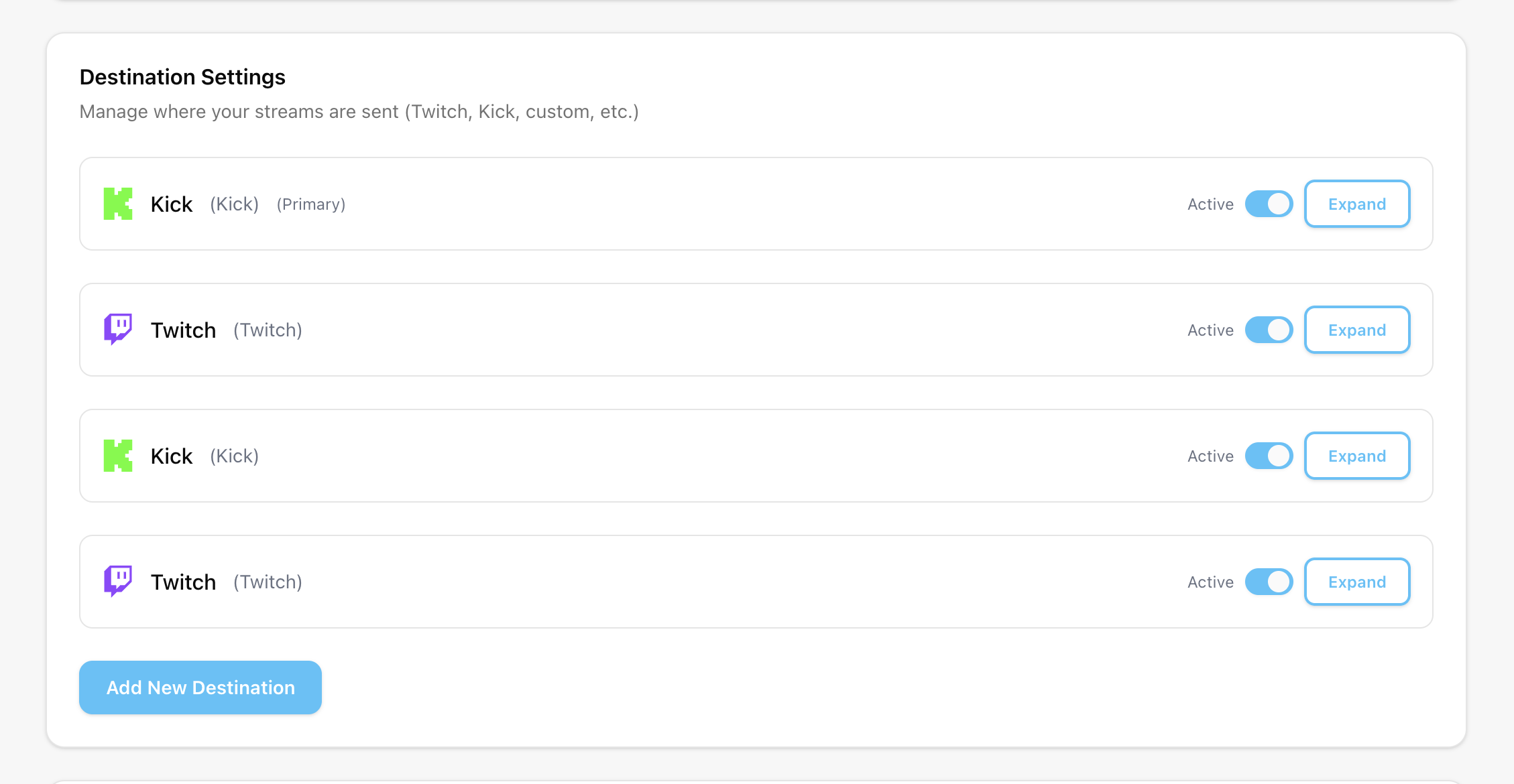
Start or stop any destination, including your primary. The others keep streaming.
Edit and test each destination independently, even while your server is live.
Why the cloud layer is the right place for outputs
If a phone or local OBS session sends directly to every platform, that source owns every outgoing connection. That is rough for IRL and annoying for desktop creators who want to change outputs mid-stream.
With Streamable, the source sends into Cloud Hosted OBS and the cloud server handles outgoing destinations. That keeps the field encoder simple and makes destination management a control-panel task.
Use destination-specific tests
Do not assume one successful platform means every output is healthy. Twitch, Kick, YouTube, custom RTMP, and SRT receivers may have different keys, ingest URLs, latency expectations, and platform health indicators.
Test each destination by itself, then test the combined stream.
- Confirm the destination receives video and audio.
- Check the public viewer page, not just the dashboard status.
- Verify title/category/metadata if the platform supports it.
- Keep old stream keys out of production settings.
- Document which destination is the main audience.
When to stop one destination
Sometimes the right move is to keep the main stream live and stop one weaker output. Maybe a custom RTMP receiver is failing, YouTube settings are wrong, or a platform chat is not moderated yet.
Independent destination control lets you solve that without ending the whole stream.
Do the account policy check
Technical support for multiple destinations does not override platform rules. Check the current terms for your account, especially if you are monetized, partnered, or under an exclusivity agreement.
The safest workflow is both technically clean and account-safe.
Are you an IRL streamer? Give Streamable a try!
Let Streamable help you never IRL stream with issues again! Here's how we can help:
- Premium Cloud Streaming Servers
- 100% Stream Drop Protection with Clips Player
- Multiple Ingests, Switch scenes without pausing stream
- Collaborative Streaming / Share Ingests with Friend Requests
- Remote OBS
- DDoS protection
- much, much more!
Follow us on Social Media
Follow along for updates and tips:



Optional: Deep-Dive FAQ
Open only if you still need extra troubleshooting context.
Can I stream to Twitch, Kick, YouTube, and custom RTMP at once?
Technically yes with a cloud destination workflow. You should still check current platform rules for your account before multistreaming.
Can I stop one destination without ending the stream?
Yes. Start or stop any destination independently. The others keep streaming.
Should my phone send directly to every destination?
No. For IRL, it is usually better for the phone to send one stable source to the cloud and let the cloud server handle destinations.